

All Cursor Packs
Browse our full collection of custom cursors. Find your next favorite style and install it for free.
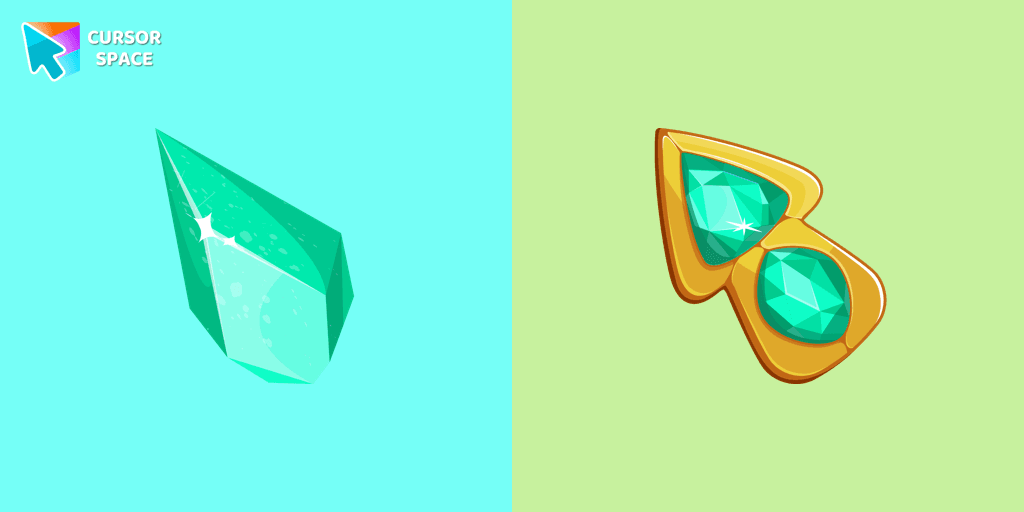
Green Amethyst cursor
4.5(277)FreeUpgrade your browsing with the Green Amethyst custom cursor! Elegant and unique, it adds a touch of beauty to your screen. Make your pointer shine today!

Mechanical cursor
4.5(273)FreeUpgrade your desktop with the Mechanical custom cursor, a sleek blend of technology and elegance for a futuristic browsing experience.

Super Mushroom Pixel cursor
4.5(265)FreeCute custom cursor with Super Mario includes a mouse cursor in the form of super mushroom and a hover pointer with the star.
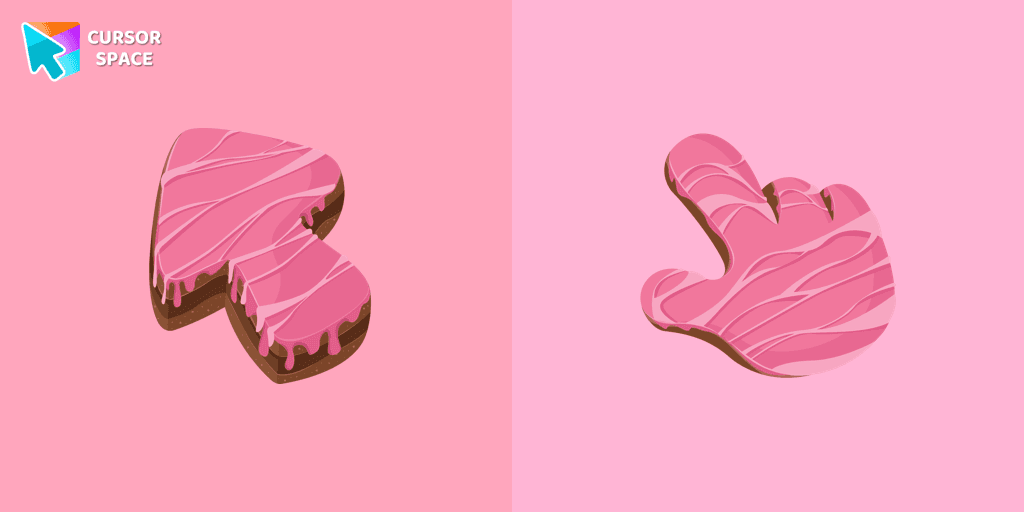
Cake Texture cursor
4.5(257)FreeElevate your daily browsing with our cake custom cursor for Google Chrome. Celebrate each click with sweetness and style using this delightful custom cursor

Cat-Bee cursor
4.5(248)FreeAdd charm to your screen with the Cat-Bee custom cursor, perfect for cat lovers and fans of quirky designs.

Welsh Corgi Pixel cursor
4.5(244)FreeMeet the happy Corgi Pixel cursor for Chrome in a Cute Pixel custom cursors collection for mouse and pointers.

Candy Texture cursor
4.5(242)FreeThe Candy Cursor adds sweetness to your browsing experience with a beautifully designed custom cursor, evoking the joy of childhood candy.


Naruto Uzumaki cursor
4.5(237)FreeThe Naruto Uzumaki custom cursor for Google Chrome lets fans personalize their browsing experience with an iconic mouse pointer featuring Naruto himself.

Black Resin Texture cursor
4.5(234)FreeUpgrade your browsing with the Black Resin custom cursor for Google Chrome. Sleek and stylish, it adds a sophisticated touch to your screen. Try it now.

Oreo spark dark Сursors
4.5(233)FreeExplore custom cursor collections featuring Oreo Spark Dark, Star Wars, and more. Personalize your interface today!

Sushi Texture cursor
4.5(233)FreeImmerse yourself in Japanese culinary art with the Sushi Texture custom cursor for Google Chrome and elevate your browsing experience with style.

Take Care Bear cursor
4.5(230)FreeFeaturing the iconic Care Bears character, this cursor adds a touch of charm and nostalgia to your screen.

Wanda cursor
4.5(230)FreeTransform your browsing experience with the Wanda custom cursor for Google Chrome. Featuring the powerful Wanda Maximoff, this magical cursor adds enchantment to your screen

Doctor Strange cursor
4.5(229)FreeThe Doctor Strange cursor is a must-have for fans of the Marvel Comics universe, bringing a touch of magic and mystery to your browsing experience.

Instagram cursor
4.5(229)FreeEnhance your browsing with the Instagram custom cursor for Google Chrome. Sleek and stylish, it’s perfect for Instagram fans looking to personalize their cursor.

Waddle Dee cursor
4.5(228)FreeIntroducing the Waddle Dee custom cursor from our Games collection of cute cursors.

Thanos cursor
4.5(220)FreeThe Thanos custom cursor for Google Chrome brings the power of the Mad Titan to your screen. Embrace strength and cosmic animations with this unique design.
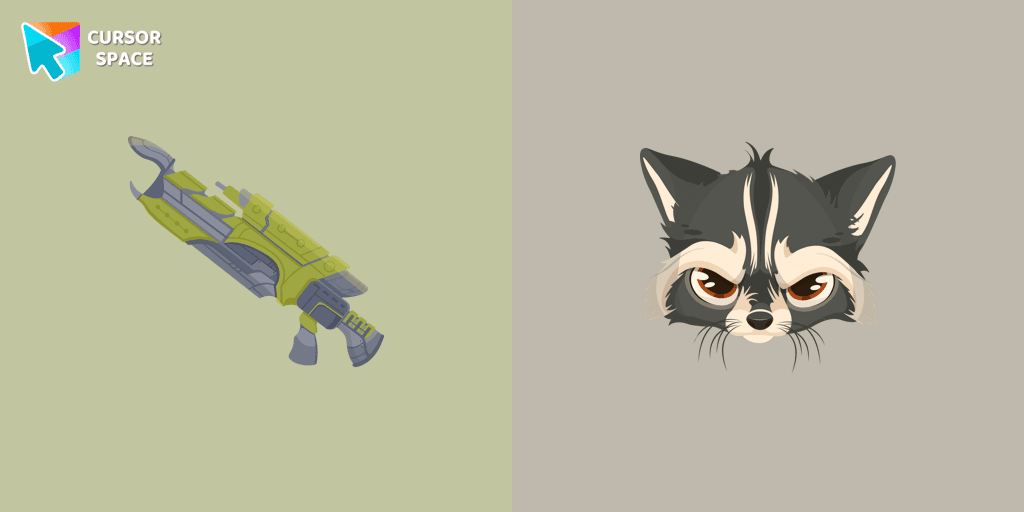
Raccoon cursor
4.5(220)FreeTransform your browsing with the Raccoon custom cursor for Google Chrome. Enjoy the playful design and lively animations of this adorable raccoon character.
Explore cursor packs by style
Cursor Space packs include curated cursor sets for everyday browsing: cute, minimal, anime, neon, pixel art, and more. Each pack comes with multiple cursor states (like default and pointer) and can be added to your browser in seconds.
Trending now
Fresh picks based on what people install most often.
Collections
Browse themed sets grouped by vibe and aesthetic.
Top charts
See weekly, monthly, and all‑time leaders.
How to install a cursor pack
- Open any pack from the grid above.
- Click the install / add button on the pack page.
- If you don’t have it yet, install the Cursor Space browser extension.
- Apply the pack in the extension and enjoy your new cursor.
FAQ
Quick answers to common questions about cursor packs, collections, and installation.
Are cursor packs free on Cursor Space?
Most cursor packs on Cursor Space are free to browse and install. Some packs may be marked premium depending on licensing. The Cursor Space browser extension is free to install from the Chrome Web Store.
Do cursor packs work on Chrome and Edge?
Yes. Install the Cursor Space extension for Chromium-based browsers (Chrome, Edge, Brave), open a pack page, and click install/apply. The extension applies the cursor set across your browser.
How do I install a custom cursor pack?
Open the pack page, click the install or add button, install the Cursor Space extension if prompted, then apply the pack from the extension popup. Your new cursor appears immediately.
Can I change or remove a custom cursor later?
Yes. Open the Cursor Space extension, choose another pack, or restore the default system cursor from the extension settings.
Is the Cursor Space extension safe?
Cursor Space is distributed via the Chrome Web Store and Edge Add-ons. Keep the extension updated, and only install packs from trusted catalog pages on this site.